Profile Settings
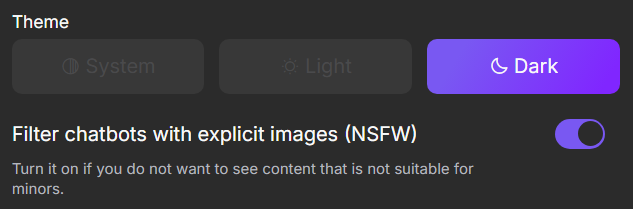
In your personal profile, you can change your unique username, update your personal information, select the site’s theme, and disable the NSFW filter. To access settings, click your username in the top-left corner, then click the button.
Default Persona
This is the persona you will use to interact with the character. When creating a chat or during a conversation, you can switch to any other persona.

Username
This is your unique identifier on the site. Other users will see it on your public profile, as well as in the descriptions of the bots and prompts you create.

Date of Birth
Enter your date of birth to gain the option to disable the NSFW filter.

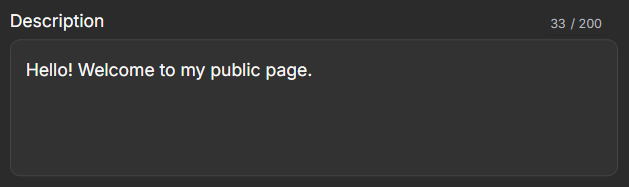
Description
This short description will appear on your public profile for all users to see.
NSFW Filter and Theme
In the section, you can choose a light or dark theme for the site, as well as enable or disable the NSFW filter.